Account Login or Join Submit a Wedding
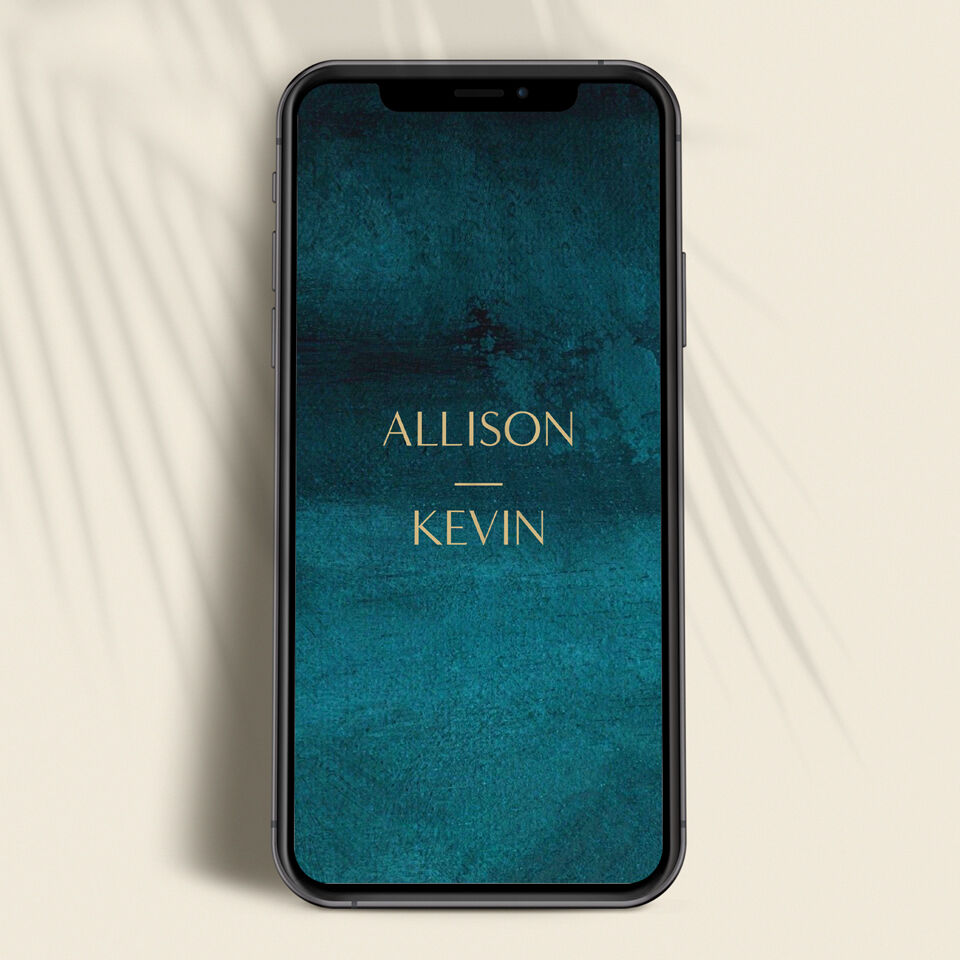
Dark teal wedding website homepage displayed on a smartphone, with couple names set in gold serif typography
SPOTLIGHT

How to Build a Wedding Website Your Guests Will Actually Use

Build a Digital Destination for Your Big Day
C&C EDITORS / 03 25 26

Your wedding website goes live the moment you send save the dates, making it often the first real glimpse guests get of your wedding. It needs to answer two things immediately: when and where, and how to RSVP. Everything else builds out from there: your love story, the hotel block, the local restaurant guide.

Most wedding websites fail at clarity. The design is lovely, the photos are warm, and somehow guests still arrive asking questions the site was supposed to answer. The fix isn't more content. It's organizing the right content in the right order.

The Essential Information Your Wedding Website Must Include

Date, time, and location belong above the fold, not buried two scrolls down beneath a love story. Guests open your website for logistics. Make it easy.

At minimum, your site needs the full venue name and address for both the ceremony and reception (and a clear note if they're at the same location), the ceremony start time, your dress code with specific language ("cocktail attire" is clearer than "dressy casual"), and a contact method for questions that don't fit a form. If you're having an unplugged ceremony, say so here, not just on the day itself. Guests appreciate the advance notice.

This section is functional. Resist the impulse to decorate it. People checking your site on mobile at an unfamiliar venue need this information to load fast and read clearly.
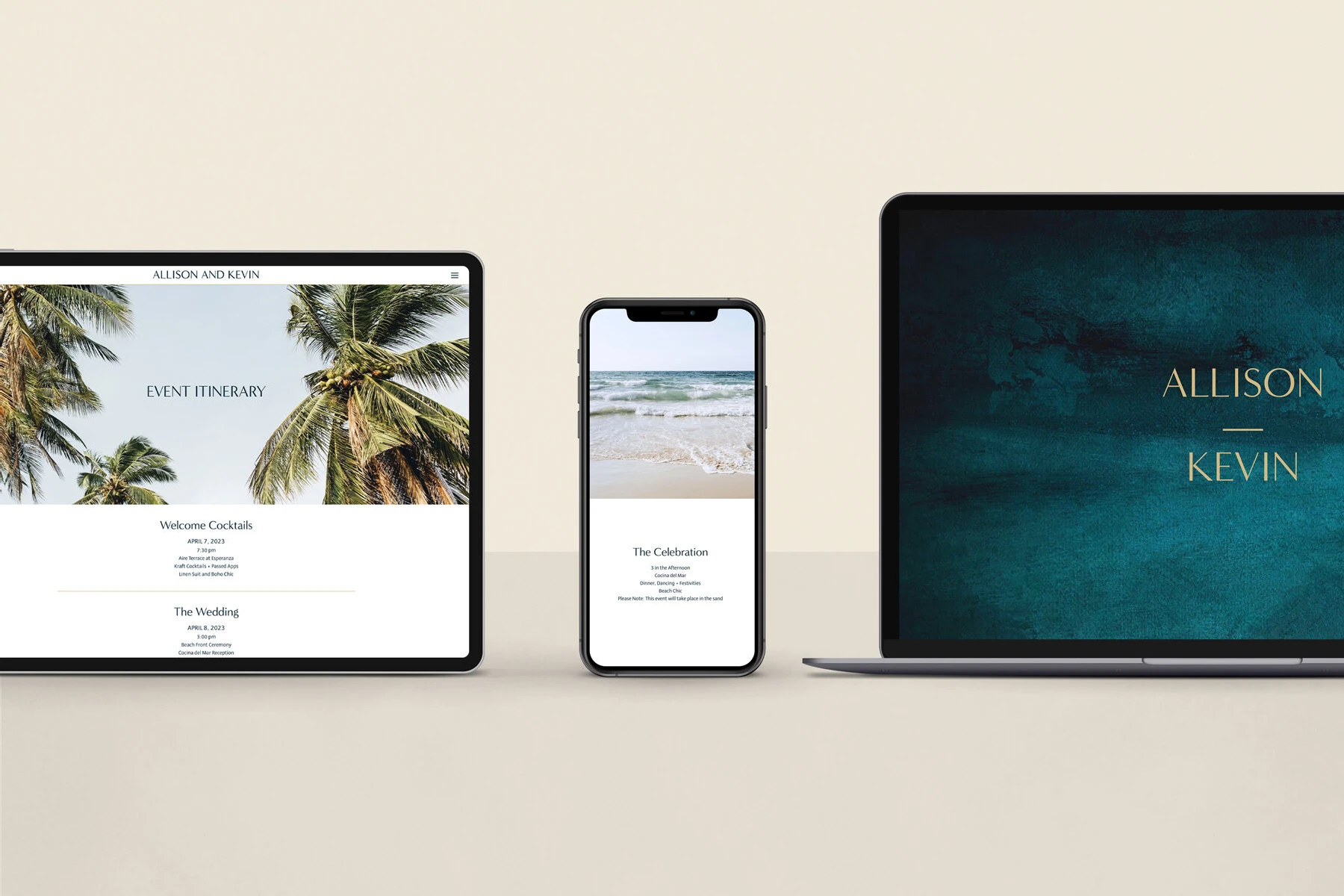
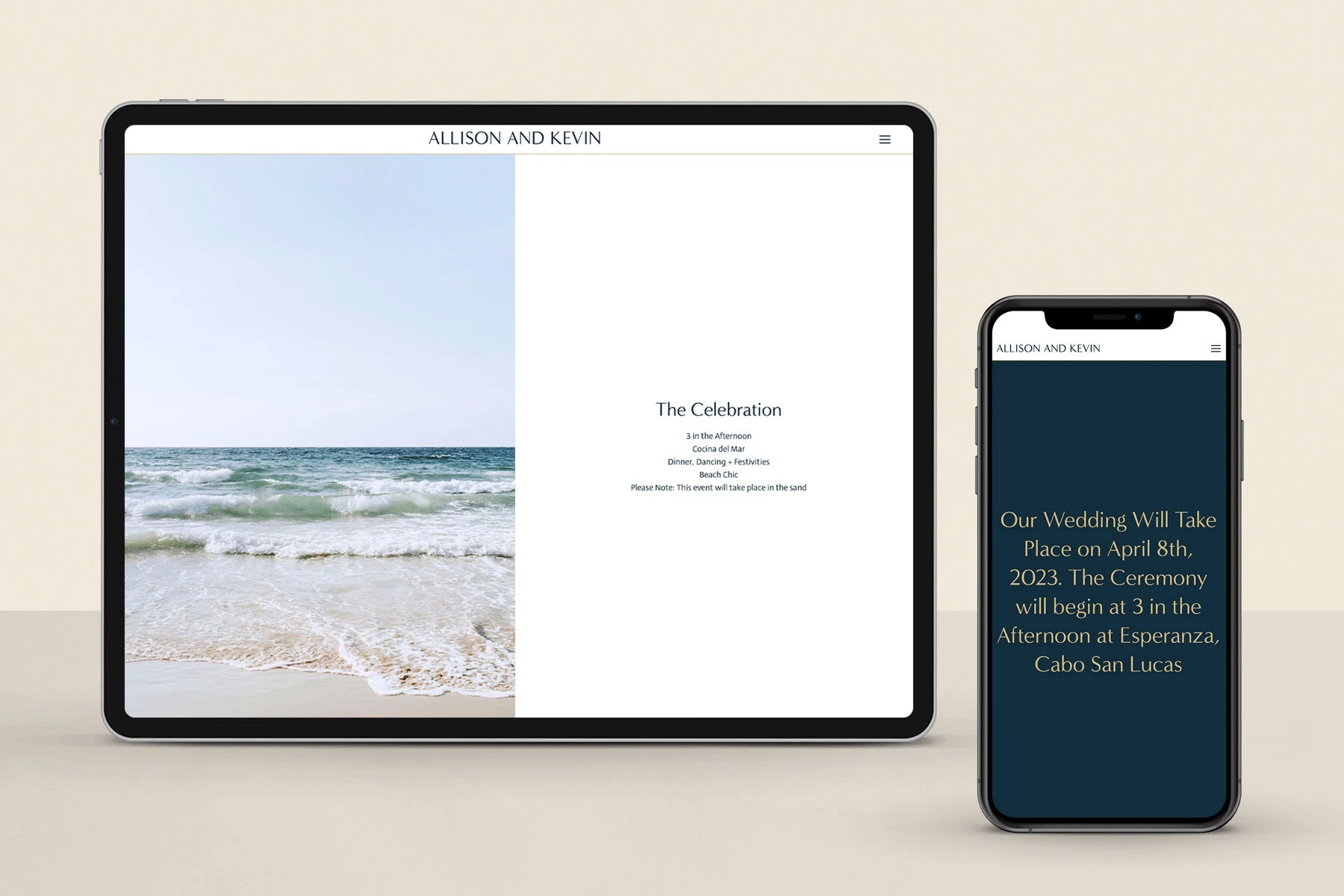
Wedding website shown across tablet, smartphone, and laptop, with event itinerary and homepage visible across all three devices

Your RSVP Form and Guest Logistics

The RSVP section is where most couples leave accuracy on the table. A well-built form collects full name (not just first name), meal preference, dietary restrictions or allergies, and (if relevant) attendance at the rehearsal dinner or any secondary events. Set a deadline and put it somewhere prominent. The standard is four to six weeks before the wedding; anything shorter and you're in follow-up mode before the guest list is even confirmed.

Hotel blocks belong here too. Include the block name, the cutoff date, and a direct booking link. Guests shouldn't have to call the hotel to understand their options.

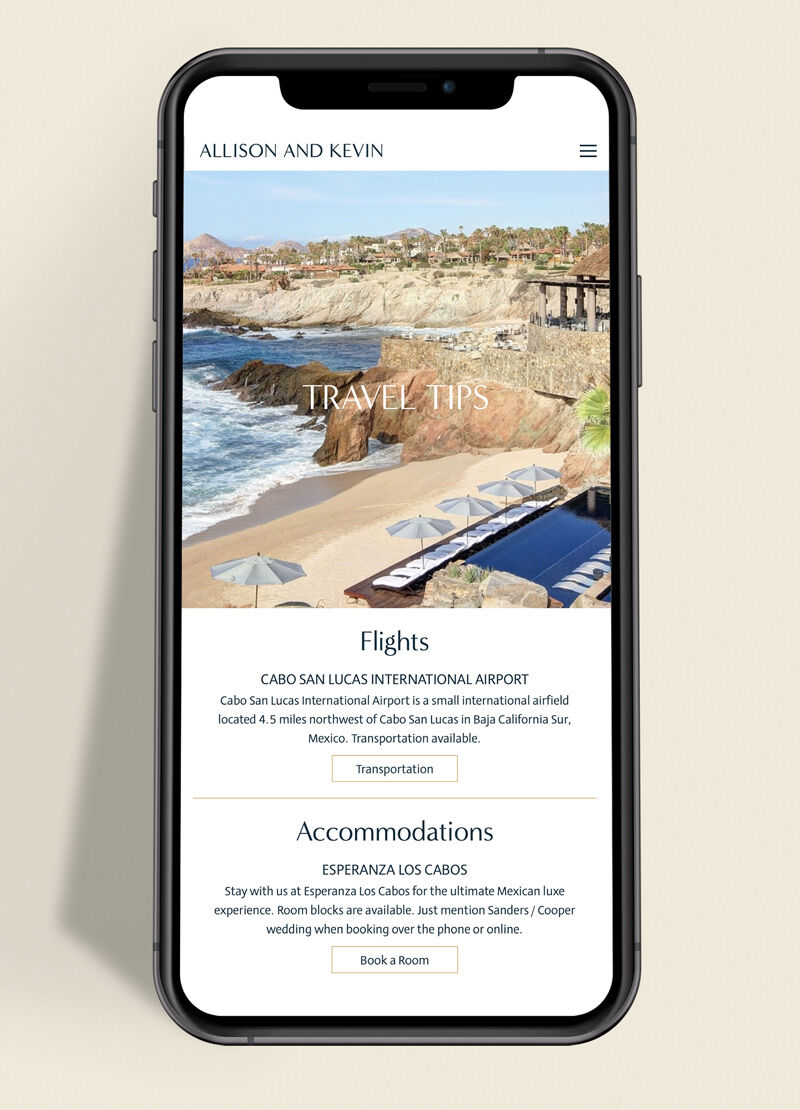
For out-of-town guests, a brief travel section earns goodwill. Airport recommendations, ground transportation options, and two or three local restaurant suggestions go a long way. You've already done this research for other reasons. Put it somewhere people can find it.

Your Story and Wedding Party

This is the section guests actually read for fun, which means it has to be worth reading. "We met through a mutual friend in 2019" is technically accurate and offers nothing. A good love story is short, specific, and told with one or two concrete details: where you were, what happened, what you actually thought. The proposal story follows the same logic: one specific detail lands better than three paragraphs of emotion.

For the wedding party: names and how you know them. If your maid of honor introduced you to your partner in college, that's worth one sentence. Long bios with inside references that only make sense to three people don't belong on a site your future in-laws will read.

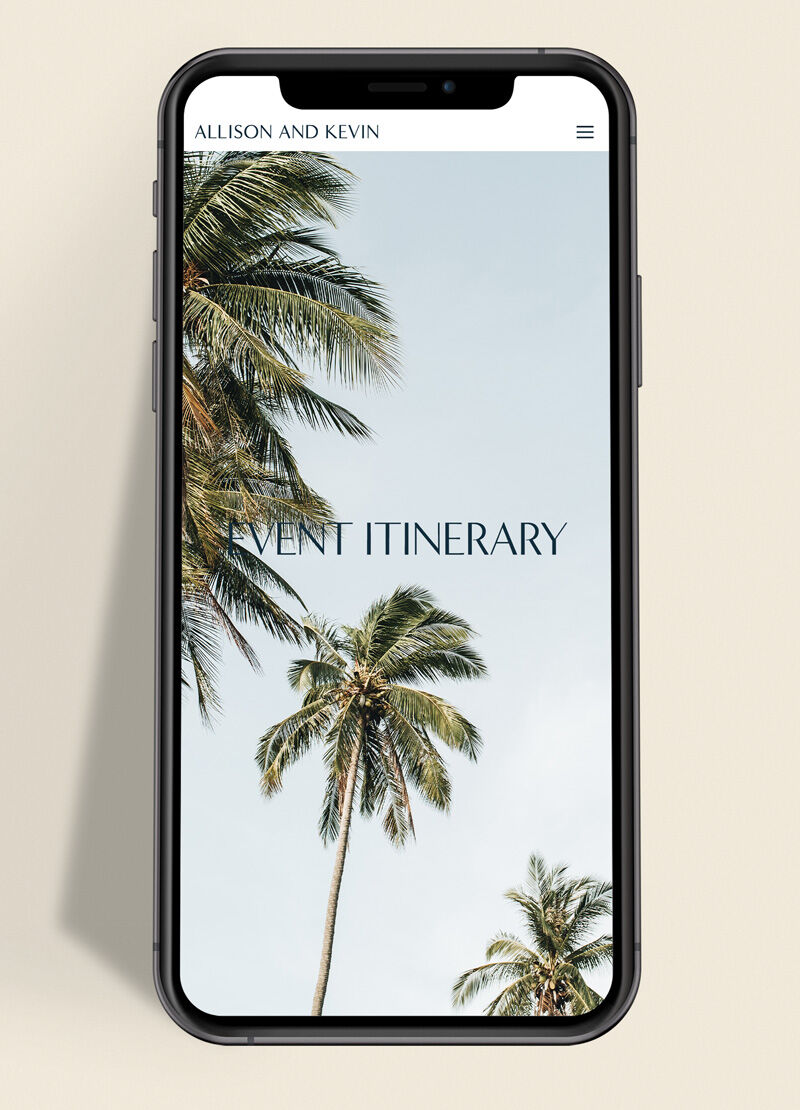
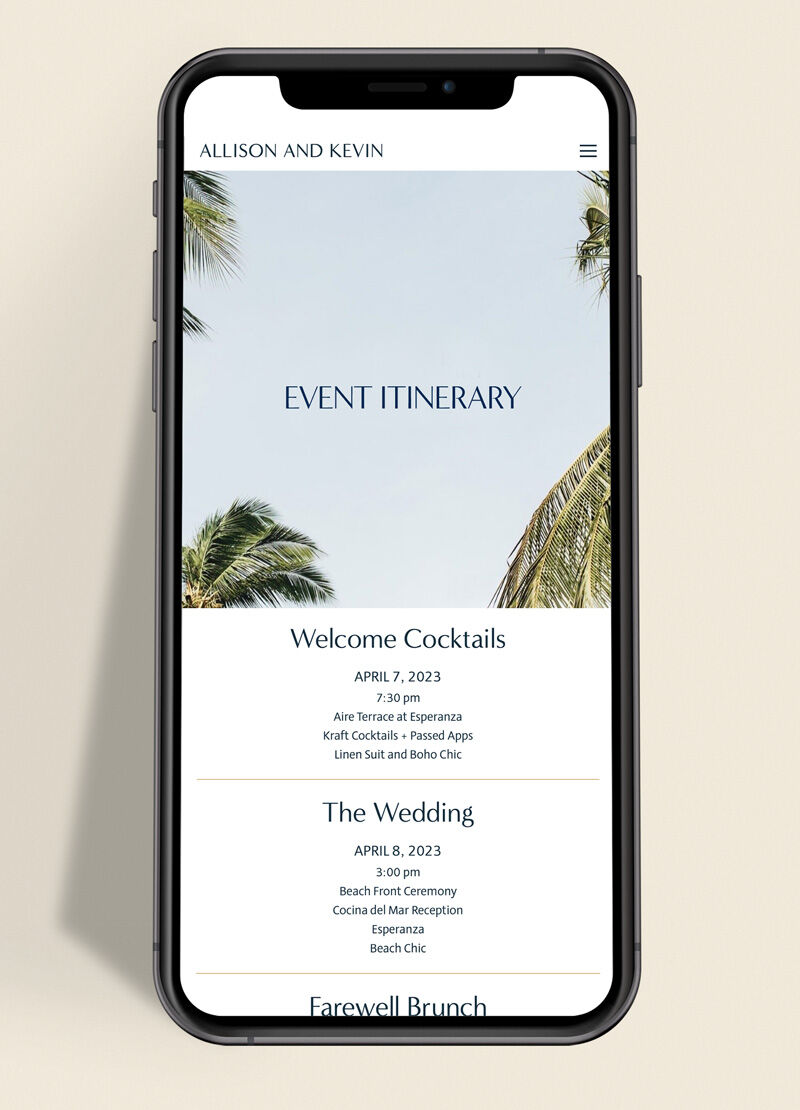
Wedding website event itinerary page on a smartphone, listing welcome cocktails, ceremony, and farewell brunch with venue names and dates
Wedding website travel tips page on a smartphone showing flight details and hotel accommodations for a destination wedding in Cabo San Lucas

The FAQ Page Every Wedding Website Needs

Every wedding has logistics that don't fit neatly on an invitation. Those questions find their way to your inbox in the final weeks. An FAQ page doesn't need to be comprehensive. It needs to address the five to seven questions you're going to receive regardless.

Common ones: Is parking available at the venue? Are children invited? What is the weather contingency for outdoor portions of the ceremony? Is the venue accessible for guests with mobility needs? Where should guests go if they arrive late? Will there be a cocktail hour?

Update the FAQ as questions actually come in during the planning process. Your guests will tell you what you missed.

When to Launch Your Wedding Website

Launch your wedding website before or at the same time as your save the dates. The entire point of a save the date is to direct people toward more information. If the website isn't live, you've already created friction.

A sensible timeline for a 12-to-18-month engagement:

Launch the site 12 to 18 months out with your date, location, and a note that RSVP details are coming. Activate the RSVP form and add hotel block information 8 to 10 months out. Complete the FAQ and travel sections 4 to 6 months out. Add your final RSVP deadline to the homepage one month before the wedding.

Don't wait for all the details to be finalized. The site is a living document. An incomplete website that's live is more useful than a perfect one that isn't.

How to Choose a Wedding Website Builder

Most free platforms (The Knot, Zola, WithJoy) are built primarily around registry and RSVP management. They're functional, widely used, and for couples who want to check this box quickly, they work well.

The tradeoff is design control. Free platforms run narrow template libraries with limited customization, and the aesthetic range tends toward the same few looks you've seen on every other wedding website.

Couples who want their site to feel as considered as their stationery, with the same typography and visual sensibility as their save the dates and invitations, typically look at paid options. Bliss & Bone is built for exactly this: 100+ fully customizable templates, integrated RSVP management, and matching digital stationery, starting at $15 per month. The templates are designed to function as a complete visual system, not just a place to put logistics.

The question worth answering before you choose a builder: is your wedding website a logistics document, or is it part of your wedding's visual identity? The answer determines what level of design control actually matters to you.

For a direct comparison of the major platforms, see our guide to the best wedding website builders.

Wedding website ceremony and reception details page displayed on a laptop in a clean, minimal layout with dark typography on a light background

What to Leave Off Your Wedding Website

A few things that don't belong:

Your registry as the hero element. Link to it, but don't lead with it. Guests find it uncomfortable when the first thing they see is where to buy you a gift.

Extremely personal or complicated content: family dynamics, financial constraints, explanations of who wasn't invited. The website is public and will be seen by people you didn't anticipate. Write accordingly.

Change announcements buried in the middle of content. If something important shifted (new venue, updated start time), surface it clearly at the top of the relevant page, then keep it visible through the event.

Inspiration boards and mood content that serves you but not your guests. The aesthetics section of your planning process belongs on Pinterest, not on the website your grandmother is going to check for parking details.

For design inspiration, wedding website examples from real couples can help you see what works across different styles.

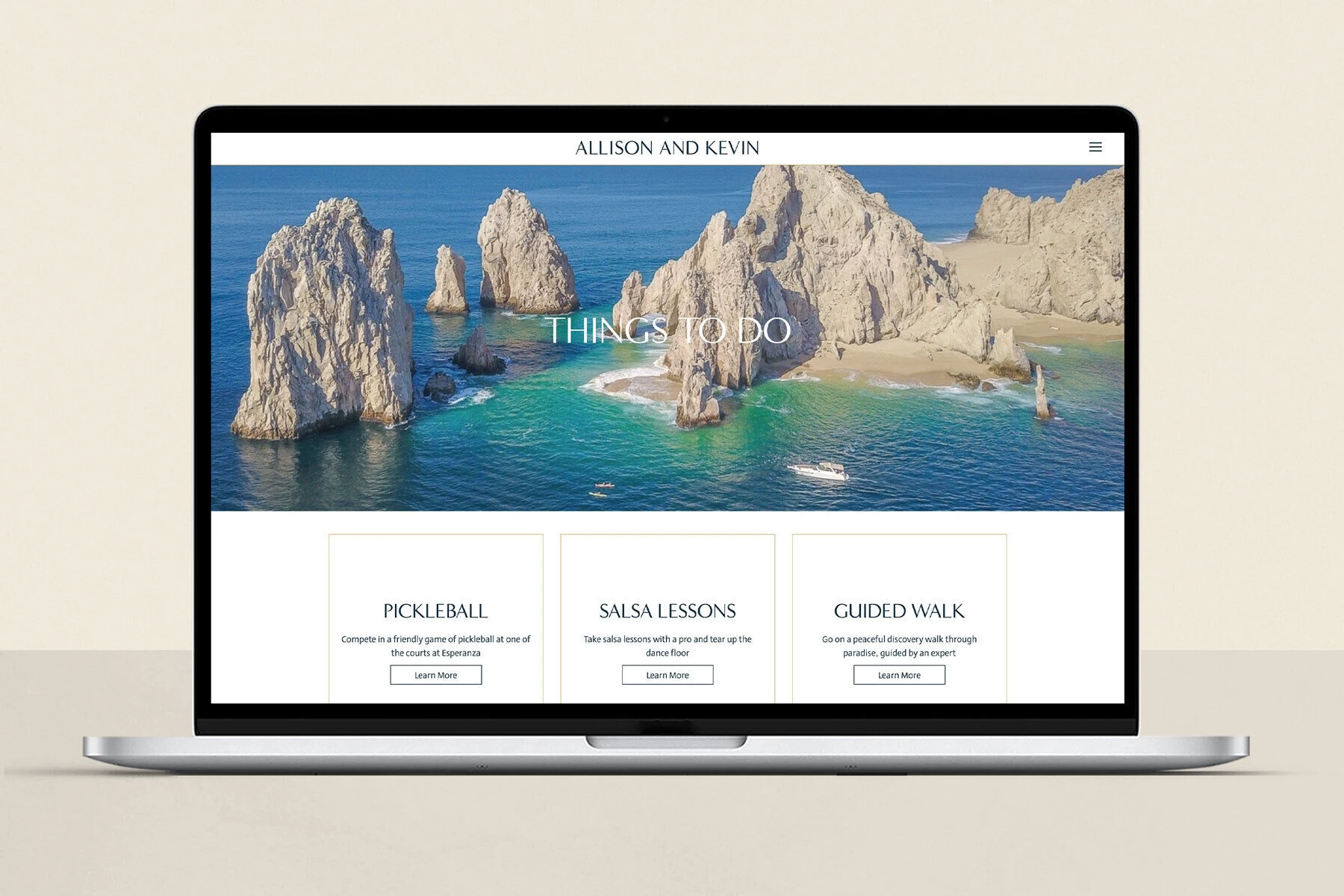
Wedding website open navigation menu on an iPad showing sections for travel, photos, registry, and guest information

Wedding Website FAQs

When should you launch your wedding website?

Launch your wedding website before or alongside your save the dates. For a 12-to-18-month engagement, that means having the site live with at least your date and location roughly a year before the wedding. RSVP functionality and guest logistics can be added as those details finalize. The site doesn't need to be complete at launch.

What should you include on your wedding website?

At minimum: your wedding date, ceremony and reception venue addresses with start times, dress code, a working RSVP form with a deadline, hotel block information, and a way for guests to ask questions. Your love story, wedding party bios, travel recommendations, and a FAQ page are valuable additions that reduce the volume of individual questions you'll field.

Do you need a wedding website?

A wedding website isn't required, but for most couples it's the most efficient way to manage the information flow between you and your guests. It handles logistics that can't fit on an invitation, stays updatable as plans change, and significantly reduces the volume of individual questions you field in the months before your wedding.

How long before the wedding should you set up your wedding website?

Have a basic version live when you send save the dates, typically 12 to 18 months before the wedding for longer engagements or 6 to 8 months out for shorter timelines. The site doesn't need to be complete at launch. A live site with date, location, and a note that more details are coming is more useful than a polished site that isn't up yet.

What's the difference between a wedding website and a wedding app?

A wedding website is accessible to any guest via a browser, no download required. Wedding apps (offered by some platforms as an add-on) support push notifications and interactive features but require guests to install something, which creates friction, particularly for older guests. For most weddings, a well-organized website covers everything a dedicated app would.

Wedding website itinerary page with palm tree background on mobile phone
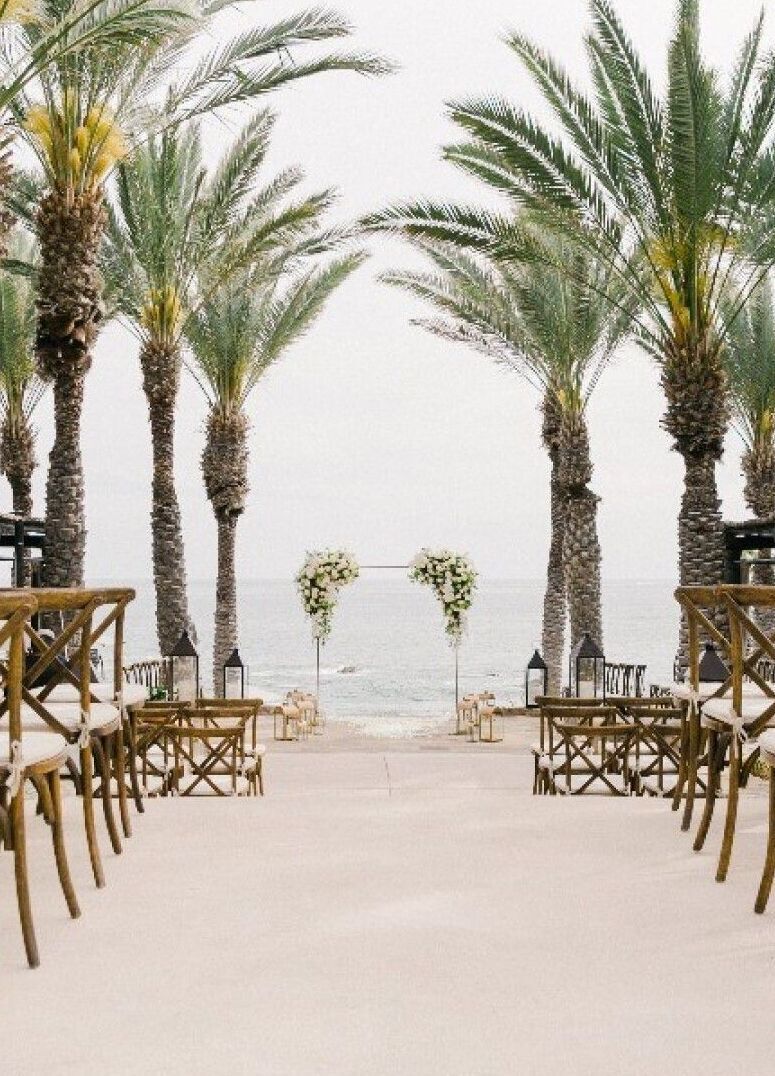
Swaying palm trees at a tropical outdoor wedding venue, used as custom background imagery on a wedding website — photo by Jasmin Lee Photography
Carats + Cake
Join the Community
Create An Account
Back to Login

By creating an account, you agree to our Terms of Use and have read and understood the Privacy Policy.

Back to Login
No problem! Reset your password via email.
Back to Login
Wedding Websites & Invitations